From Checkout to the Next Visit: Meet VOUCHIA POS
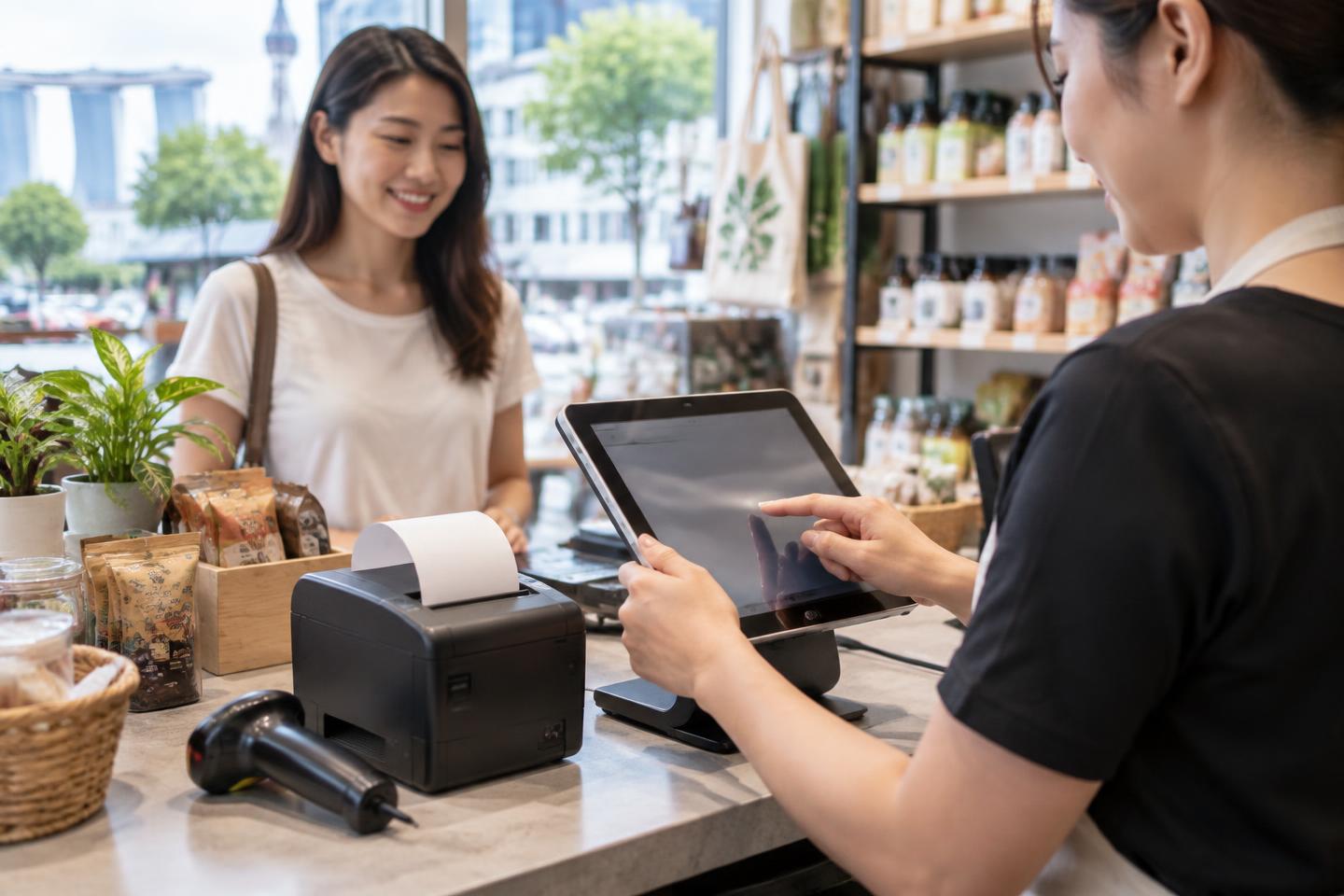
A customer checks in, buys something, receives a receipt and comes back another day. When those steps live in separate systems, staff have to piece the story together. VOUCHIA POS brings checkout into the same merchant workspace as customer visits, digital vouchers and rewards.
Build the checkout around your business
Set up menus and SKUs for each sale. Organise items in the order your team uses them, scan a barcode or tap an item, and enter a price at checkout for items whose price changes. The cart stays with that customer visit on the same device if staff leave the checkout page and return.
Serve members and walk-in guests
A signed-in customer’s purchase can appear with their visit history and receipt in the customer portal. Eligible purchases can issue linked vouchers and reward points according to your settings. For a walk-in customer without an account, staff can use guest checkout; guest sales do not earn customer points or vouchers.
Receipts and counter hardware
Choose payment types such as cash, card or PayNow to record how a sale was paid; VOUCHIA POS records the transaction but does not itself process card or PayNow payments. Print a branded 58 mm or 80 mm receipt with a compatible printer, or use the browser print window. Customers with accounts can view and download their own receipts.
Depending on the device and browser, you can use Bluetooth or USB receipt printers, camera scanning, and keyboard-style USB scanners. A cash drawer connected through a compatible printer or supported USB connection can be tested in POS Settings. When automatic opening is enabled, it opens after a completed cash sale—not after every sale. Manual openings require a reason and are recorded. Test your own tablet, dock and hardware before relying on them at the counter; USB and Bluetooth browser access is not supported on iPad Safari.
Close the day with a clear record
Open a POS business day with a float, record Cash In and Cash Out, and review payments and cash variance at closing. End Day generates a Z-Report snapshot for that outlet. A business day does not automatically end at midnight: staff close it when their shift is finished, including overnight shifts.
VOUCHIA POS is included in the VOUCHIA Business plan at S$588 per year (equivalent to S$49 per month, billed annually). See the full plan and set up your merchant account to bring checkout, customer visits and rewards together.
Bring your counter and customer history together
See the VOUCHIA Business plan, including POS, vouchers and day-end reporting.